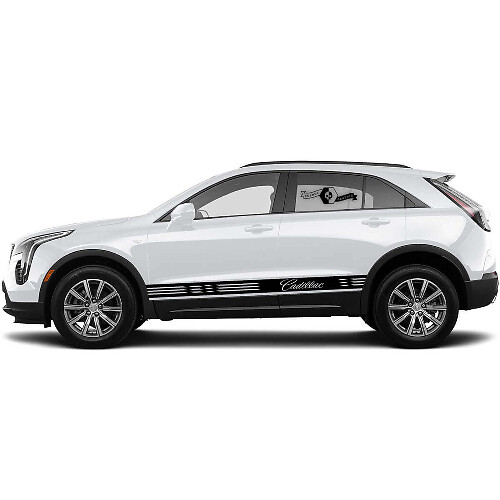
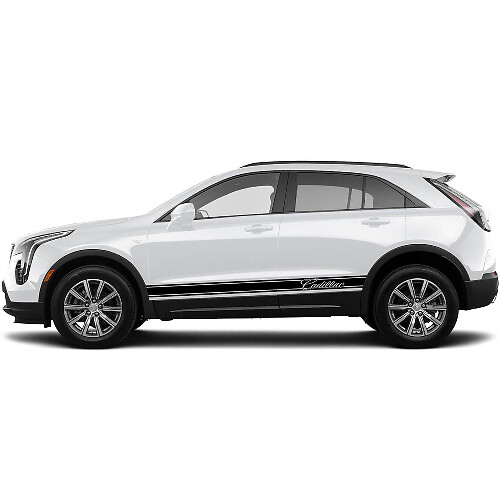
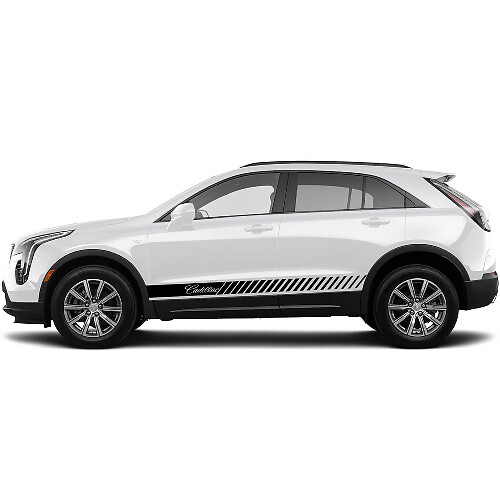
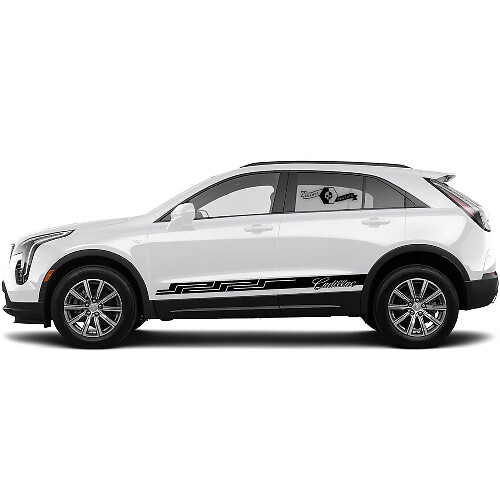
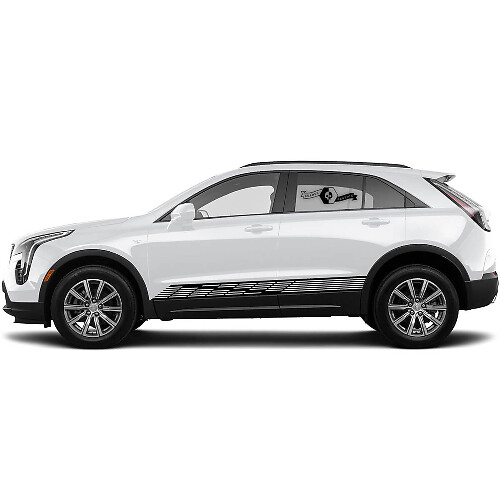
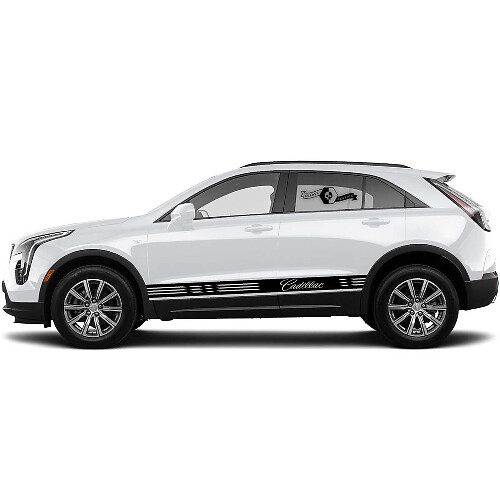
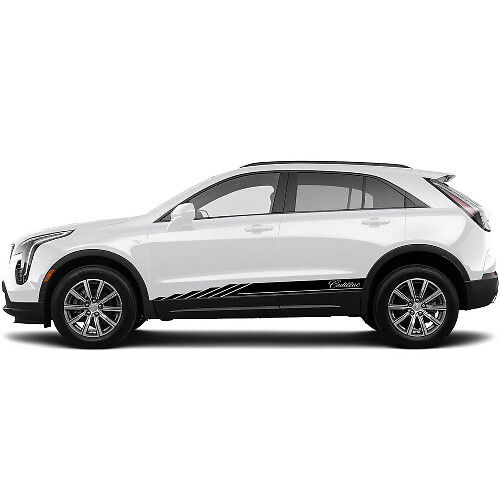
Demasiado tiempo en envío no me pareció bien2 New Decal Sticker Stylish Rocker Panel Accent Trim Lines Wrap vinyl Decal for Cadillac CT4

- Log in
- 0
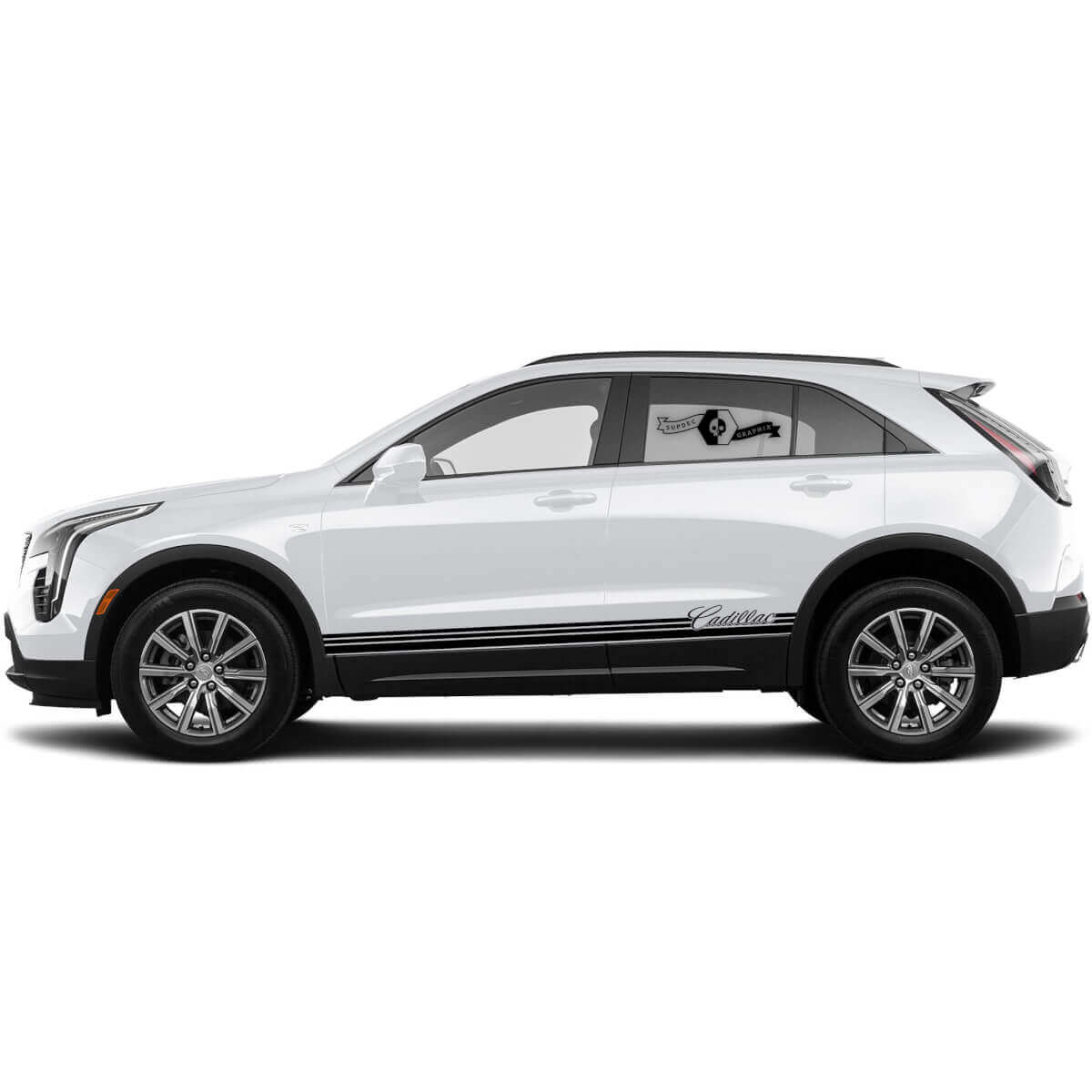
Kit consist ofleft and right side
MaterialHigh quality Avery vinyl
1-color design
2 New Decal Rocker Panel Sticker Horizontal Lines Stripe for Cadillac XT4
Default size: fits to: Ford Bronco 2-door
£56.93Make it yours
Made to order
in our own studio, ships in 1–2 business days
Worldwide Shipping
Tracking provided after production and dispatch.
30-Day Issue Resolution
Damaged, defective, or incorrect items are covered.
Description
Others: Waterproof, Removable, TRANSFER APP TAPE WILL BE APPLIED ON THE GRAPHIC FOR AN EASY INSTALLATION PROCESS!
Upgrade your Cadillac XT4’s look with these 2 new rocker panel stripe decals. Designed for a sleek and sporty appearance, these horizontal lines add a stylish touch to your vehicle’s rocker panels.
- Perfect fit: Custom-sized for Cadillac XT4 models.
- Durable material: Made with high-quality vinyl for long-lasting use.
- Easy installation: Simple peel-and-stick application with a clean finish.
- Worldwide shipping: Fast delivery options to the USA, Canada, Europe, and beyond.
Transform your Cadillac XT4 today with these eye-catching rocker panel stripe decals that combine style and protection effortlessly.
Guarantee / Replacement Support
Every product is made to order and carefully inspected before shipping.
If your order arrives damaged, defective, or incorrect, we will replace it or help resolve the issue.
Please contact us within 30 days of delivery and include clear photos of the product and packaging.
Return Policy
Because our decals are made to order, we do not accept returns for incorrect color choice, wrong size selection, or change of mind.
Returns or replacements are accepted only if the item is damaged, defective, or different from what was ordered.
Reviews
All store reviewsNo reviews for this design yet. What other customers say:
Recently bought you Cadillac brake caliper decals. SupDec is the best car sticker shop I've seen! I buy from you for the third decal and still satisfied with the quality! I like everything, buy stickers here.6 x Cadillac Stickers Logo Brake Caliper Vinyl Decals Stickers 09-15 (Any Color)